Generating a Binding

You can use the Fable.Electron build cli to generate a binding for a specific version of electron if it is compatible.
Let's see how!
The build process utilises the GitHub CLI, please install it before proceeding.
If you haven't done so already, first clone the repository, and make sure you have a compatible version of the .NET SDK.
Navigate to the root of the repository and run
dotnet run -- --help
# or
dotnet run
The arguments after -- are sent to the run project rather than being evaluated by dotnet.
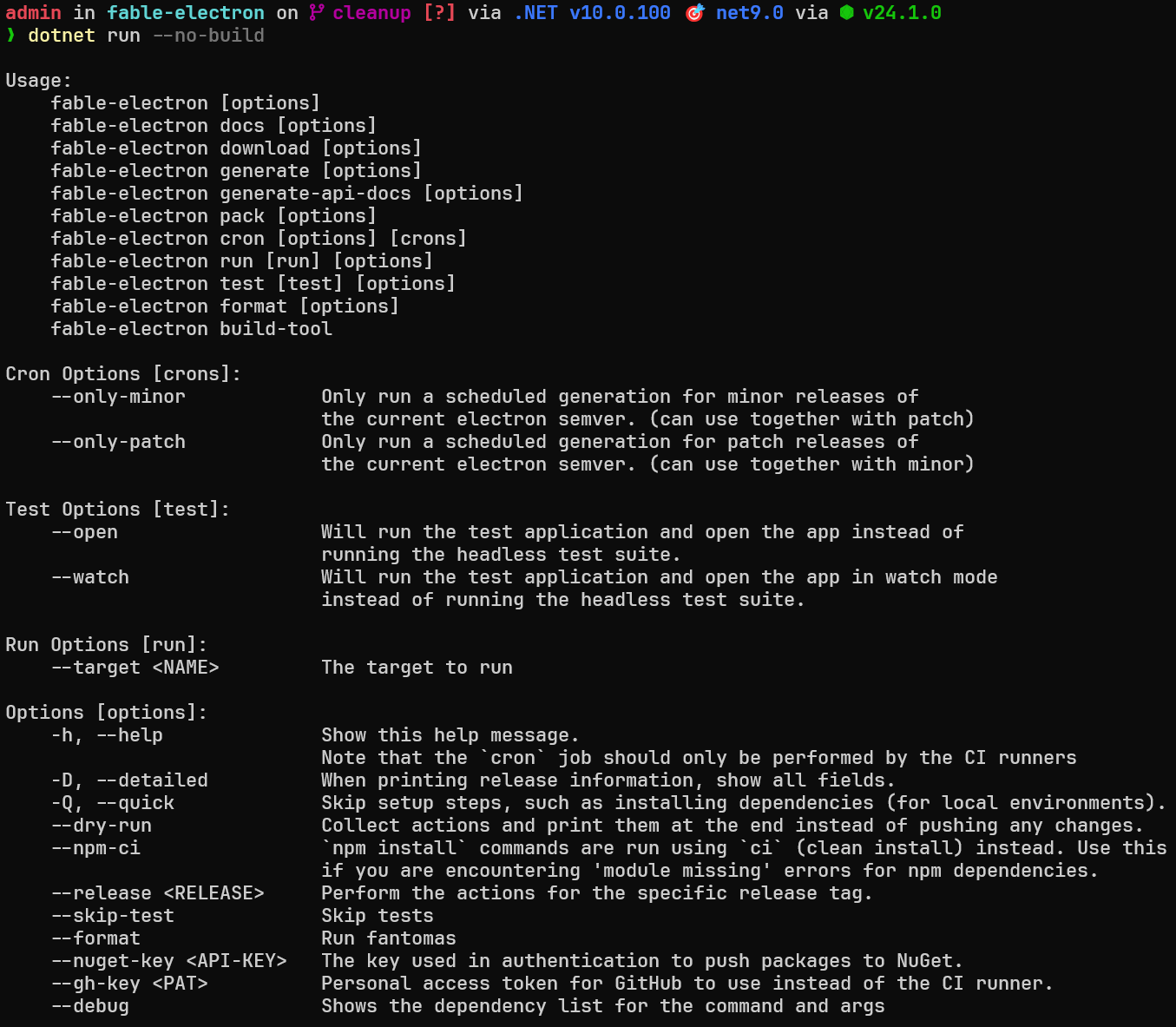
I like to utilise the last build output when I'm reusing the cli,
so I just run ./bin/Debug/net9.0/build <COMMAND> [options] after (this skips building).
There's a few commands that can be used, but the ones we're interested in are download, generate, pack and test.
Download
Download will retrieve an electron-api.json from an electron release (which is what the generator uses to make the source code).
If you haven't already downloaded one, then you can skip this step and just use generate (as this will download one if none are found).
Generate
This will create the source code for the bindings.
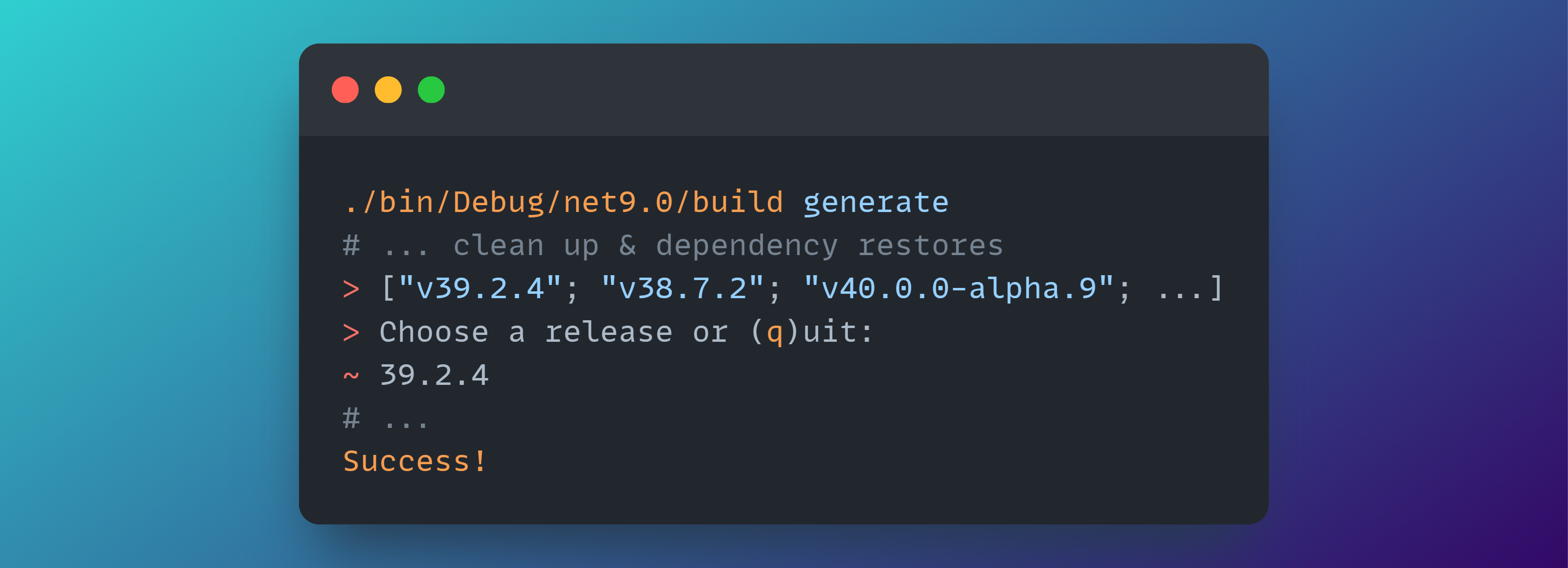
You can use the
--release <VERS>flag to skip the input request if you know what version you are after.
Make sure to run a test to ensure the bindings are functional.
You'll need to change the electron version in
tests/Fable.Electron.Remoting.Tests/package.jsonto match the generated binding.
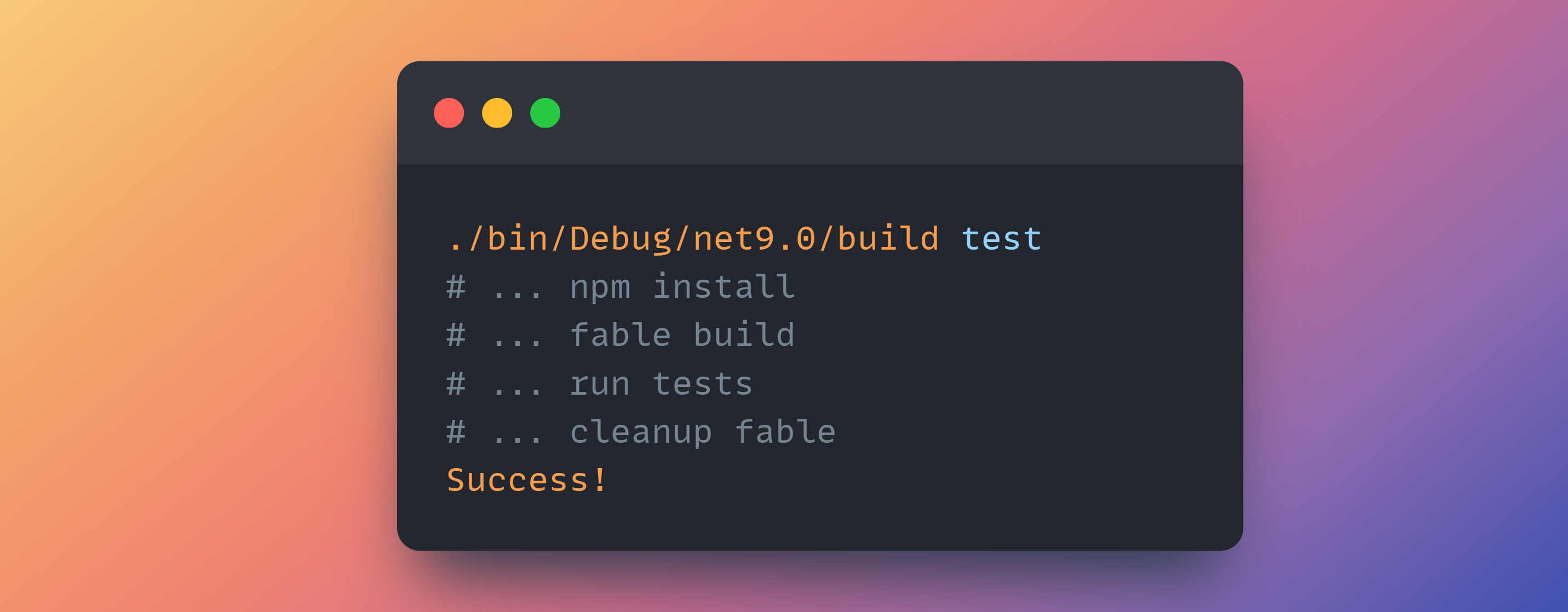
If you get module missing errors then add the
--npm-ciflag.
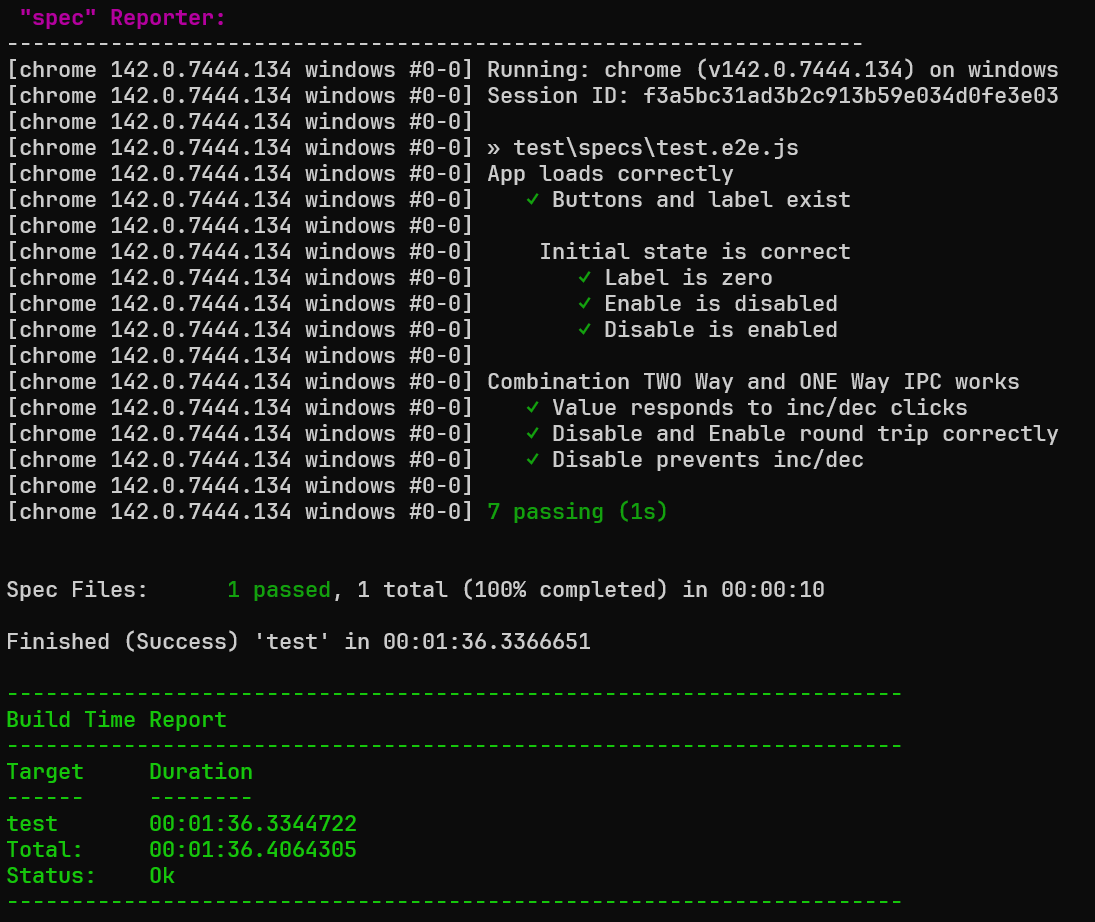
Keep in mind, perhaps the version you are generating the binding for is not compatible with our tests.
At least make sure the bindings pack without errors.
Following this, we'll pack the bindings for our use:
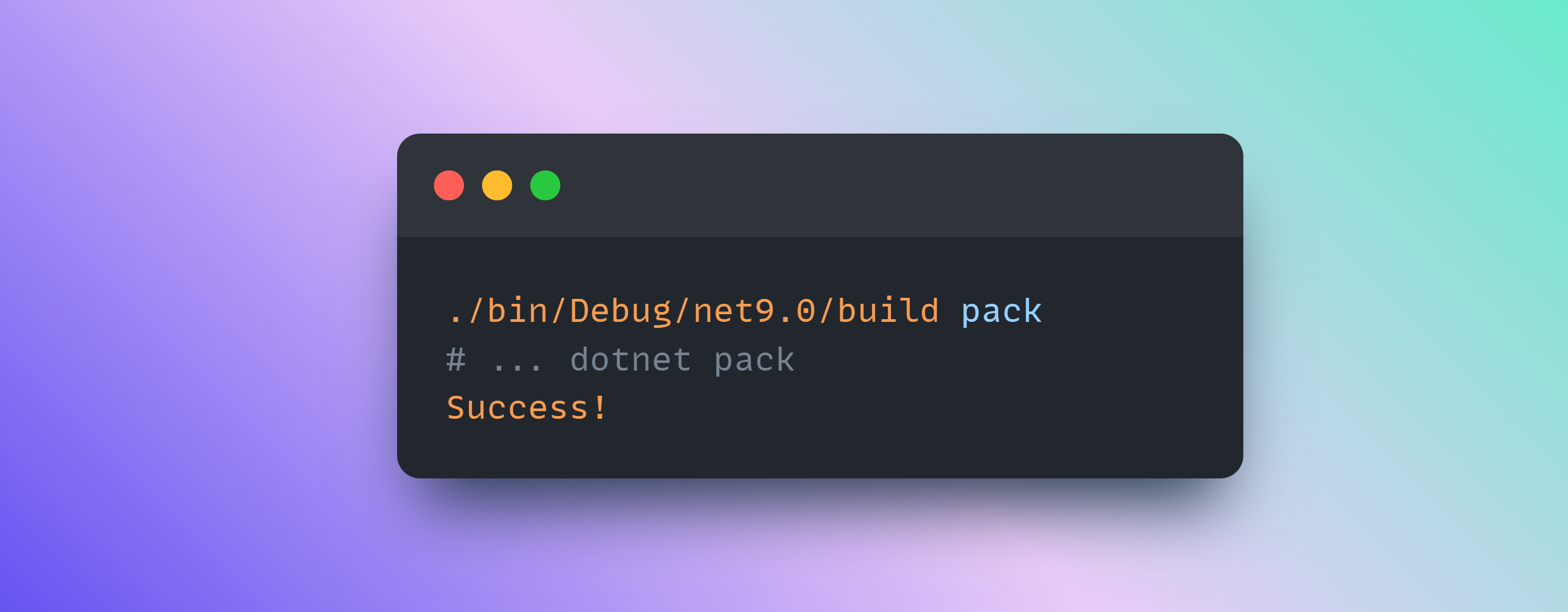
You now have your Fable.Electron.X.X.X.nupkg in the root bin directory!
You can add that to a local nuget index and then install it to your project. Or just use the .dll in the Fable.Electron project directory.
If there are any issues with this, feel free to drop an issue!
Thanks, Shayan